Text size
Line height
Text spacing

inbox, spam, or trash folders and search for the activation email from "Admin User." Click the verification link to finish syncing your profile.https://virtualcampus.kcau.ac.ke, and select "Google" to login.

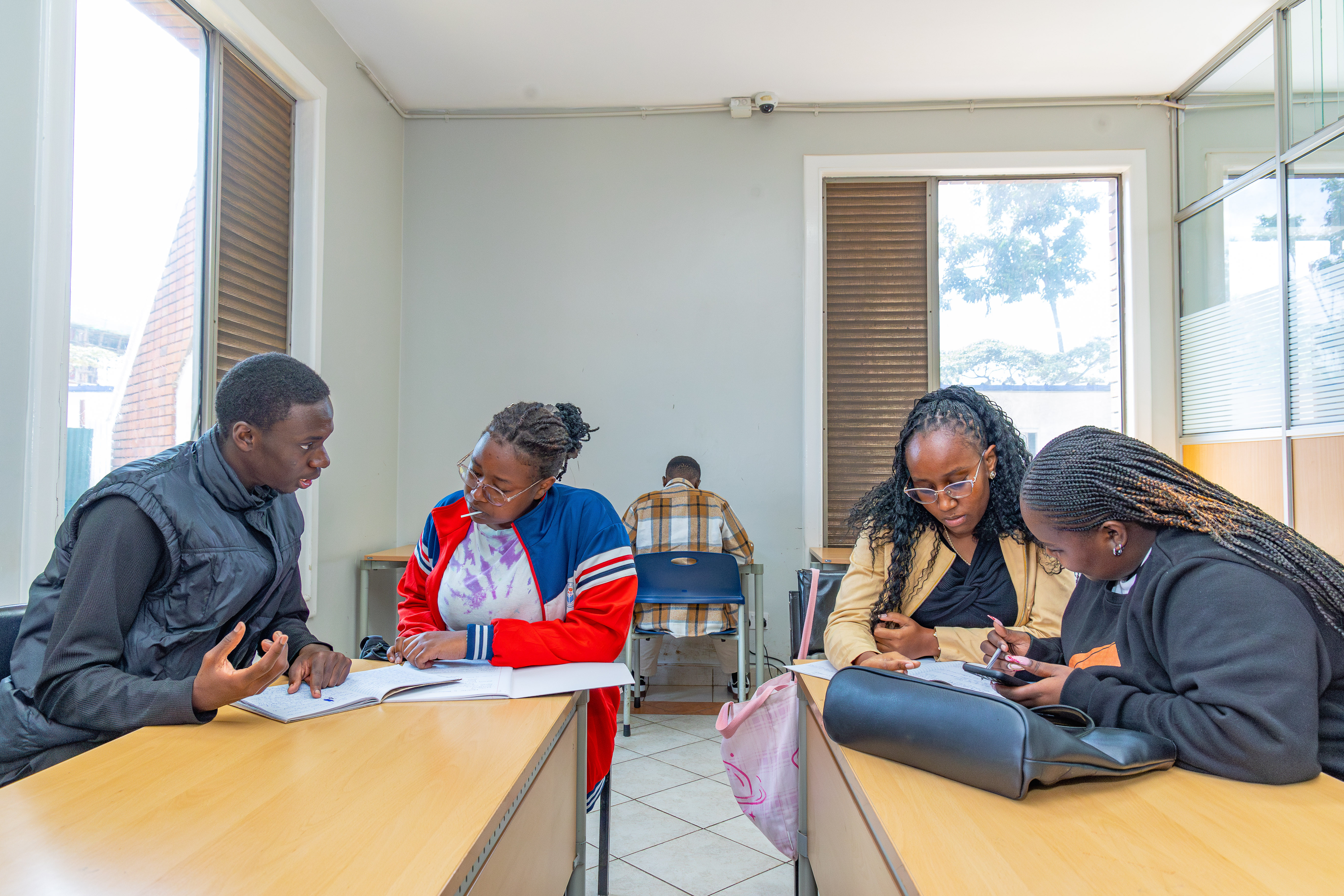
KCA University is where great stories begin. It's time to start yours. Find out how.
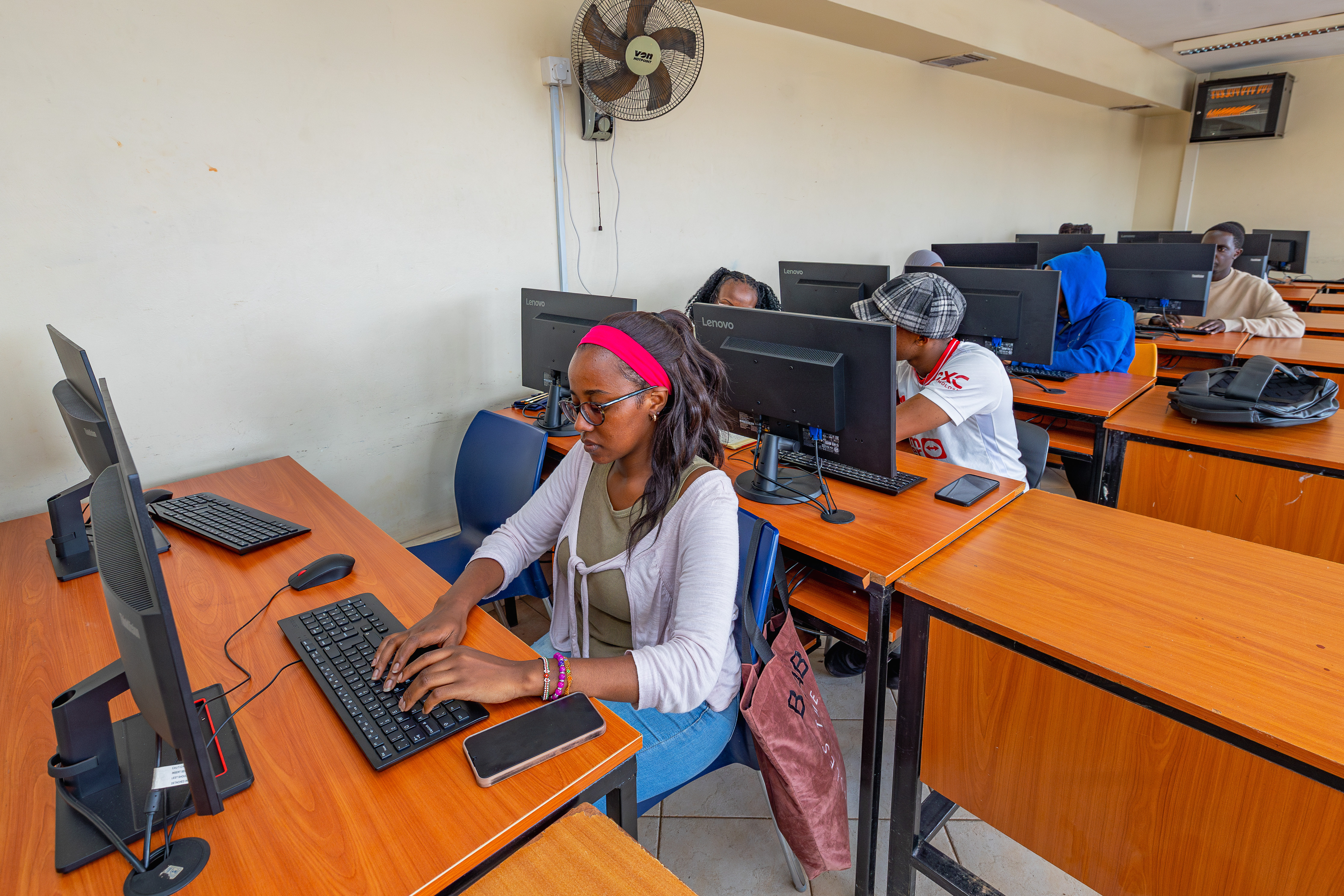
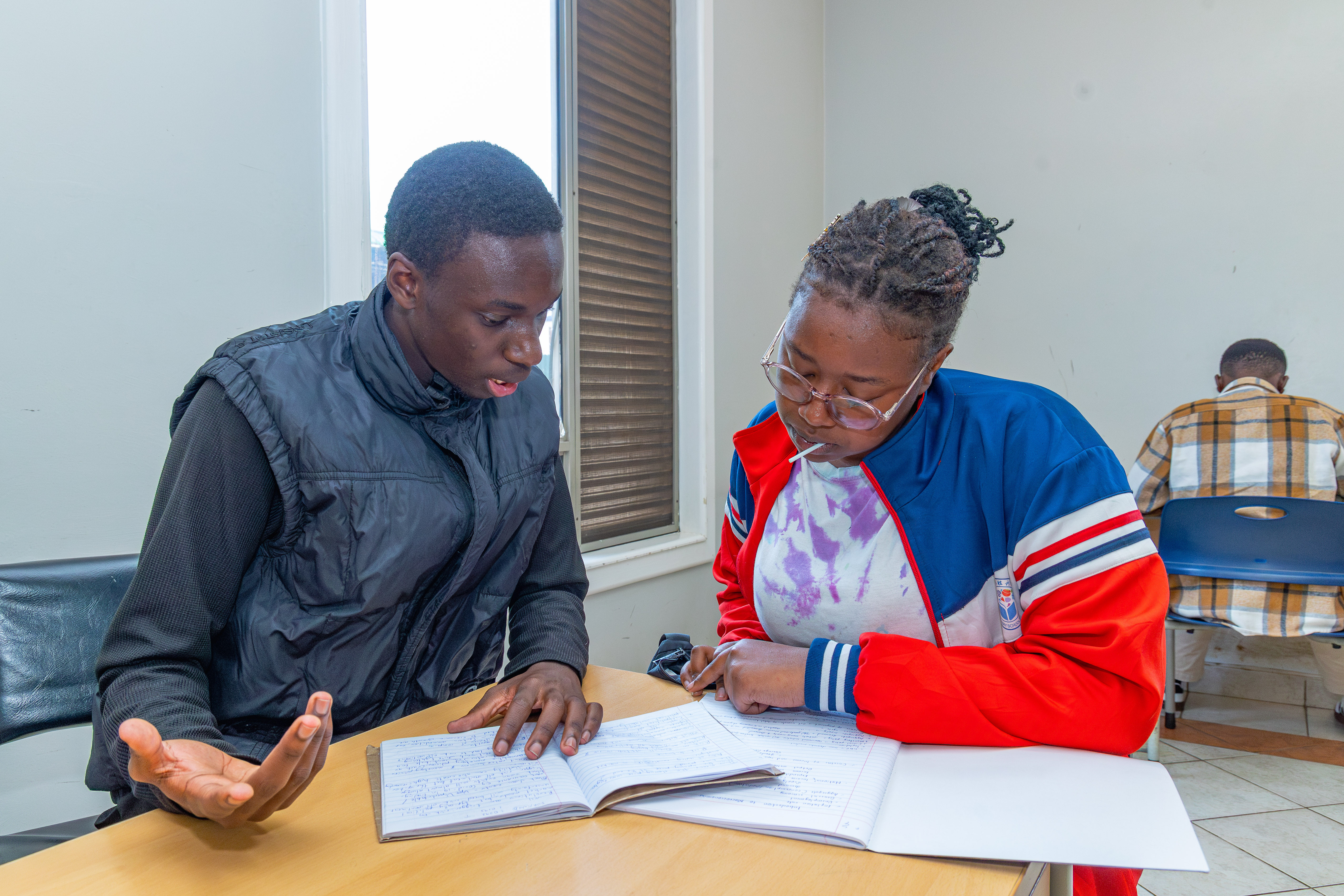
Access your courses, learning materials, assessments, multimedia content, and academic activities through a modern, intuitive learning management system designed for an engaging digital learning experience.
Take your learning with you. Download and install the KCA University mobile app to access your courses and learning resources from your smartphone or tablet, with offline access to selected materials when connectivity is limited.
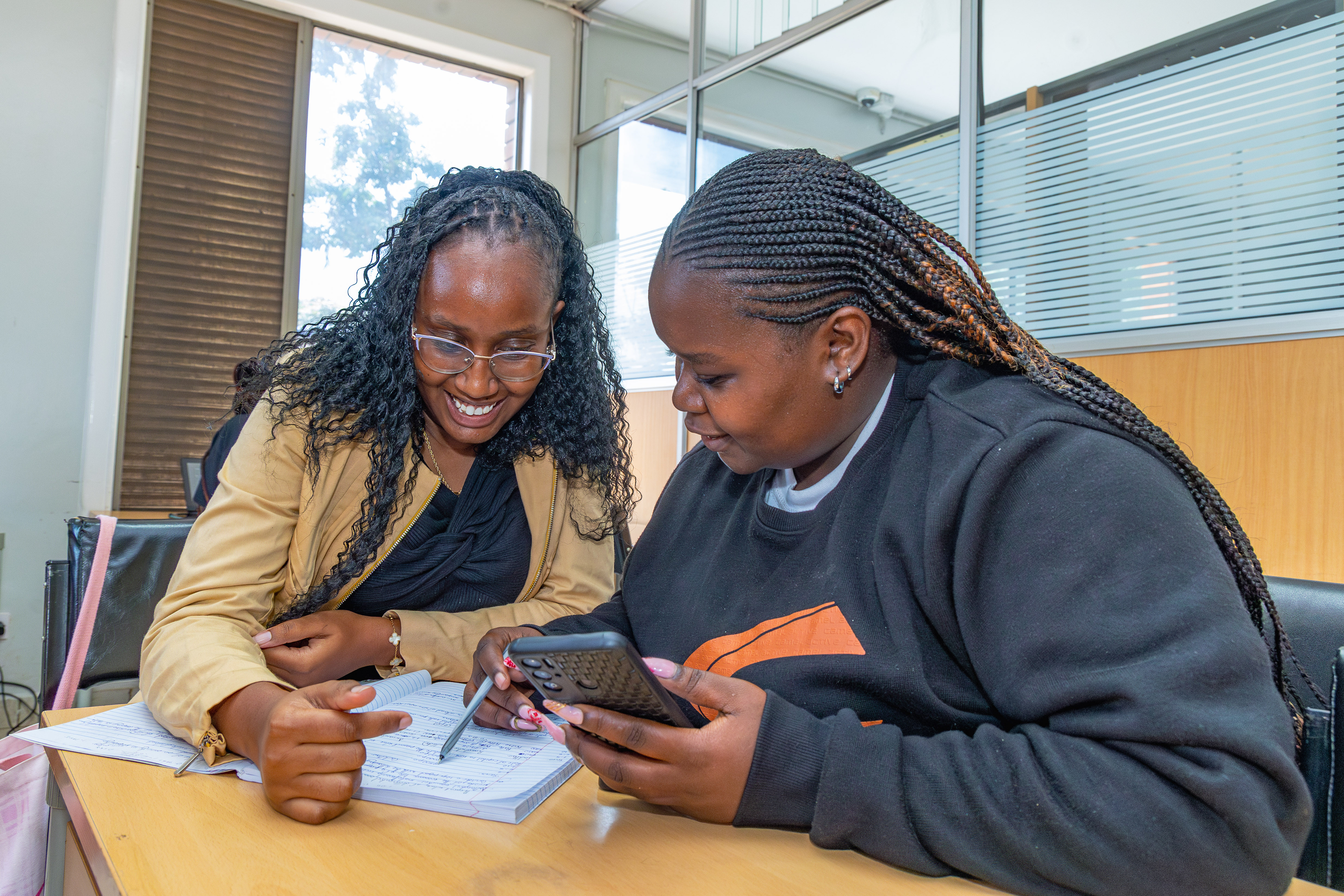
Stay connected through an integrated digital ecosystem that brings learning and communication together. Access seamless integrations with WhatsApp, Zoom, Google Meet, email, and other digital tools, making it easier to communicate, collaborate, attend virtual sessions, receive updates, and stay engaged with your learning community.
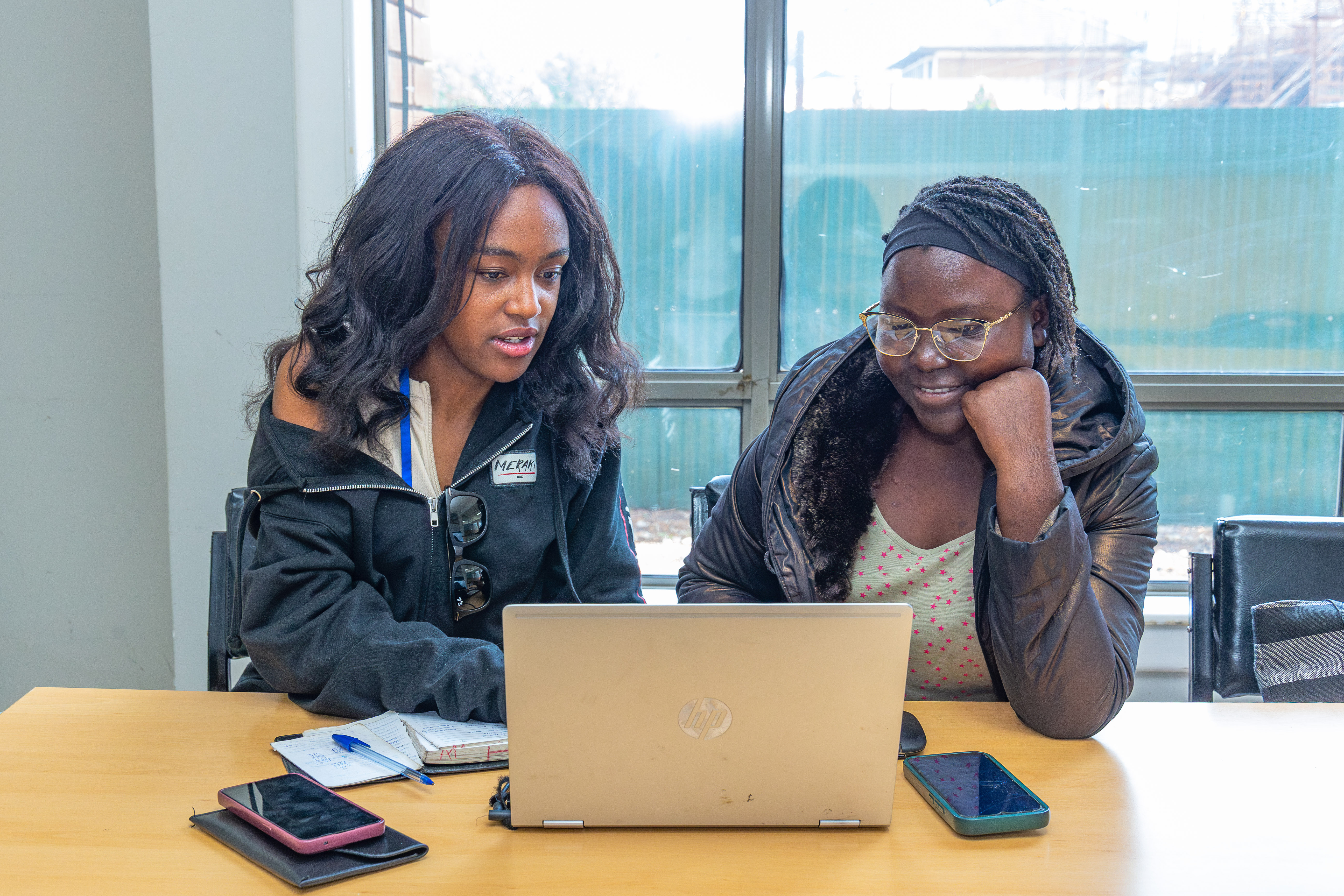
The future belongs to those who keep learning, innovating, and adapting. Explore opportunities to harness AI and emerging technologies, engage in impactful research, develop future-ready skills, and connect with global opportunities that expand your horizons. Build the knowledge, creativity, digital competencies, and global perspective you need to navigate the future of work, enhance your career mobility, and make a meaningful impact in an increasingly connected world.

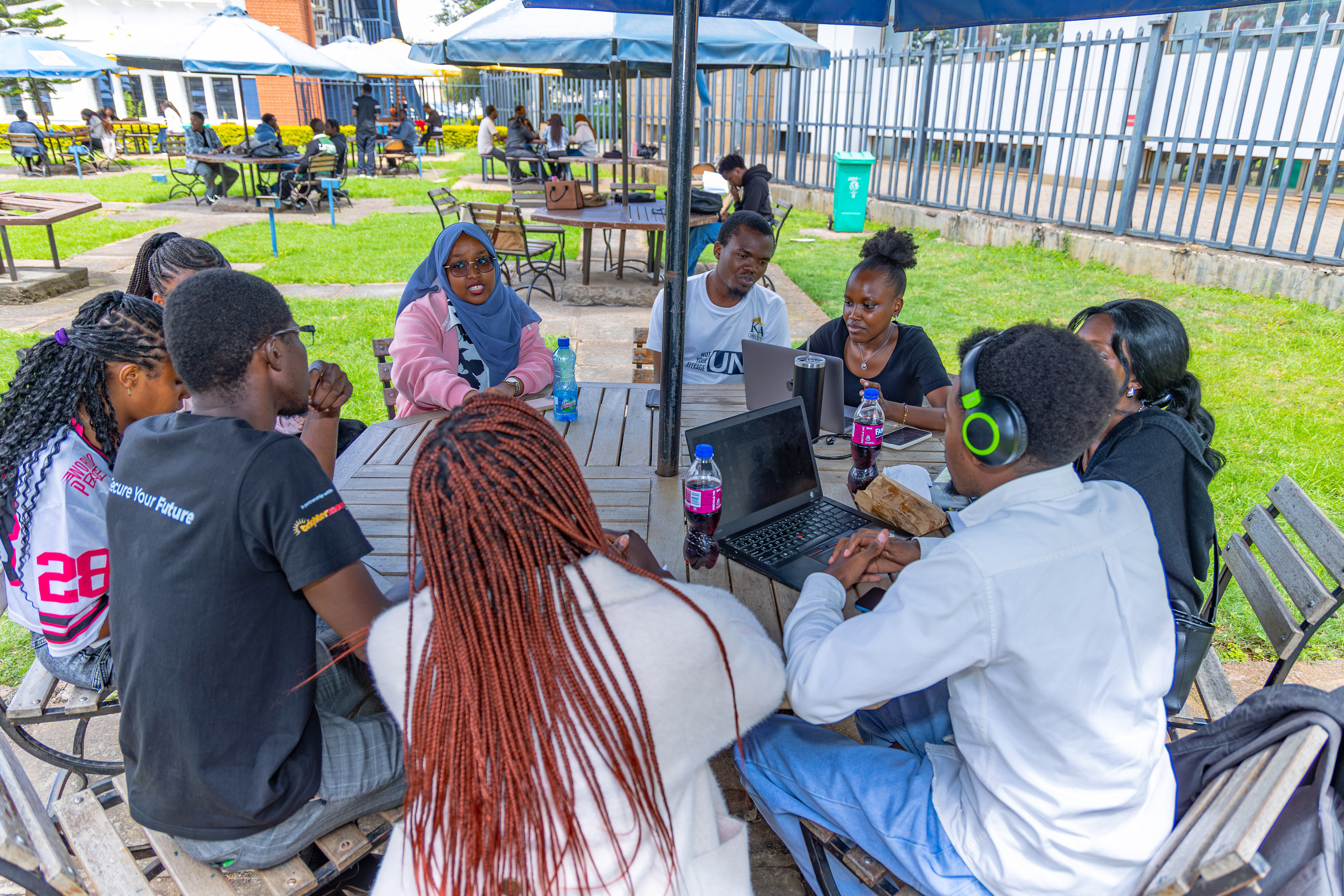
The future is not simply something we prepare for—it is something we help create. At KCA University, explore emerging technologies, engage in transformative research, and develop innovative solutions to real-world challenges. Build the critical thinking, creativity, digital skills, and entrepreneurial mindset needed to shape industries, influence the future of work, and create impact locally and globally.